Why one timer is never enough
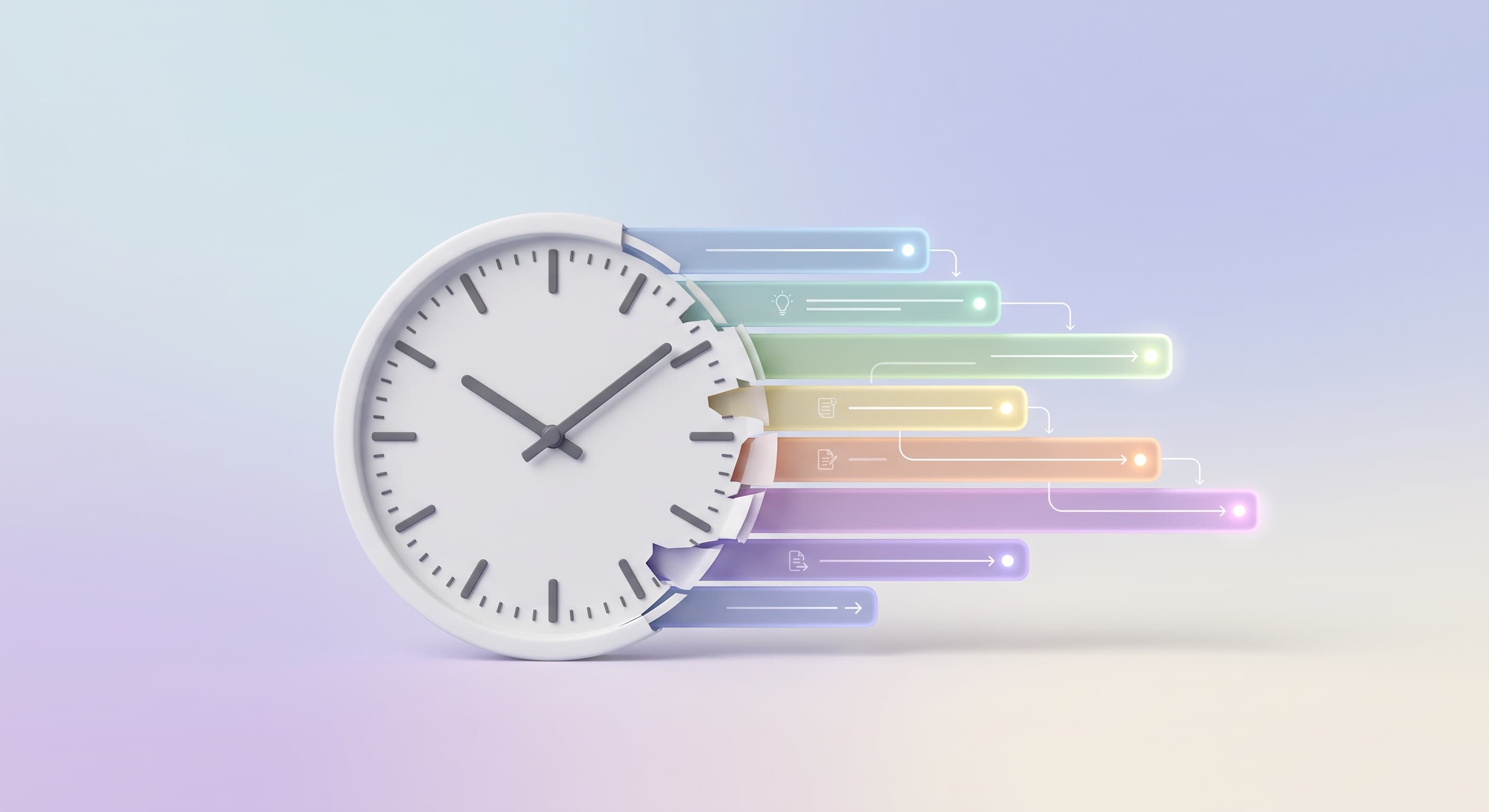
You put the potatoes on, start the pan, then remember the bread. Three things, three different lengths, all running from now. One timer covers one of them.
The Clock app on iPhone will run more than one countdown at a time, so the mechanical problem is already solved. The problem people actually hit is the next one along: somewhere around the third timer, you stop knowing which is which.
Three different things people mean by "multiple timers"
They need different tools, and mixing them up is why the search usually ends badly.
Several unrelated timers. The oven, the laundry, a reminder to leave the house. They have nothing to do with each other, and you set each one as it comes up.
A sequence. One after another. Steep for three minutes, rest for one, repeat. Rounds, intervals, anything where the next timer starts when the last one stops.
A set that overlaps on purpose. A whole meal. A morning routine. A study block with a break in the middle. These timers are not independent: you worked out in advance what runs when, and the entire point is that several of them run at the same time.
The first is what a timer is for. The third is not really a timer problem, which is why timer apps keep not solving it.
Where a pile of separate timers falls apart
You cannot tell them apart. Two numbers counting down tell you how long is left. They do not tell you what for. With three or more you end up watching the numbers and reconstructing which is which from the duration.
You build the same set again every time. A roast dinner has roughly the same shape every time you cook it. Setting six timers by hand, in the right order, every Sunday, is work you already did last Sunday.
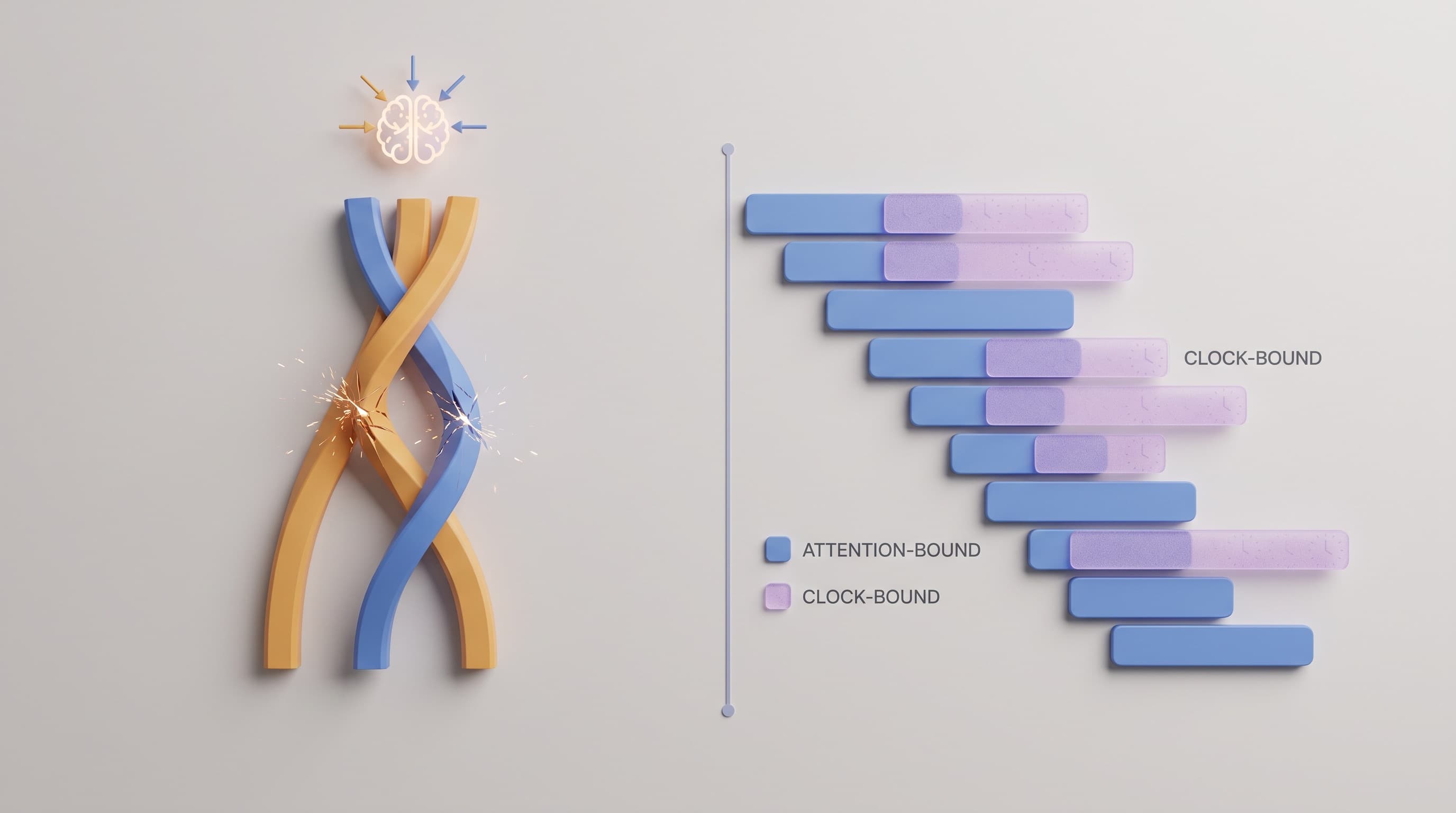
The endings arrive together. This is the one that actually hurts. Four timers running is not four times the attention, because most of them need nothing from you while they run. But each one ends, and an ending demands you at a moment you did not choose. Two finishing inside the same minute is a scramble. The difference between multitasking and running tasks in parallel goes into why that is the real limit.
Nothing is left afterwards. A timer that finishes is gone. If you wanted to know whether the plan you keep running actually takes as long as you think, there is nothing to look at.
What to look for instead
If you have decided a plain timer is not enough, these are the things worth checking before you install anything.
Every timer carries a name.
Not a colour, not a position in a list. A name you can read at a glance.
You can see them against the clock.
A list of remaining times tells you nothing about how the set fits together. Laid out against real clock time, you can see what overlaps and what collides.
The whole set is saved as one thing.
Not six timers, one plan. Run it again next week without rebuilding it.
It is readable without unlocking the phone.
If checking on a running timer means picking the phone up and opening an app, you will pick the phone up constantly, which is the opposite of what you wanted.
Something is left when it finishes.
A record of what ran and how long it actually took, so the plan gets more accurate rather than staying a guess.
Running the set as one plan
The reframe worth making: stop thinking about six timers and start thinking about one plan that happens to have six things in it.
Lay the tasks out against the clock. Put the long unattended ones first, because they run without you. Slide the short attentive ones into the gaps. Then look at where the ends land, and if two of them sit on top of each other, move one.
Once it is laid out, the timers stop being something you manage. You start the plan and it keeps time for you.
When you do not need any of this
If you want two timers on a Tuesday, the built-in Clock is the right tool and you should use it. Nothing above applies to boiling an egg while the kettle goes.
This only becomes worth solving when the same set of timers keeps coming back. The same meal, the same routine, the same gym session. At that point you are not setting timers any more, you are rebuilding the same plan from memory every time, and the thing to fix is the rebuilding.